
JSU Cyber Awareness
Practical guidance to help the Jackson State University community recognize and respond to today's cyber threats.
Spotting Deepfakes
Featured guide: Deepfake Videos and Audio: Stop, Look, and Listen (Word document)
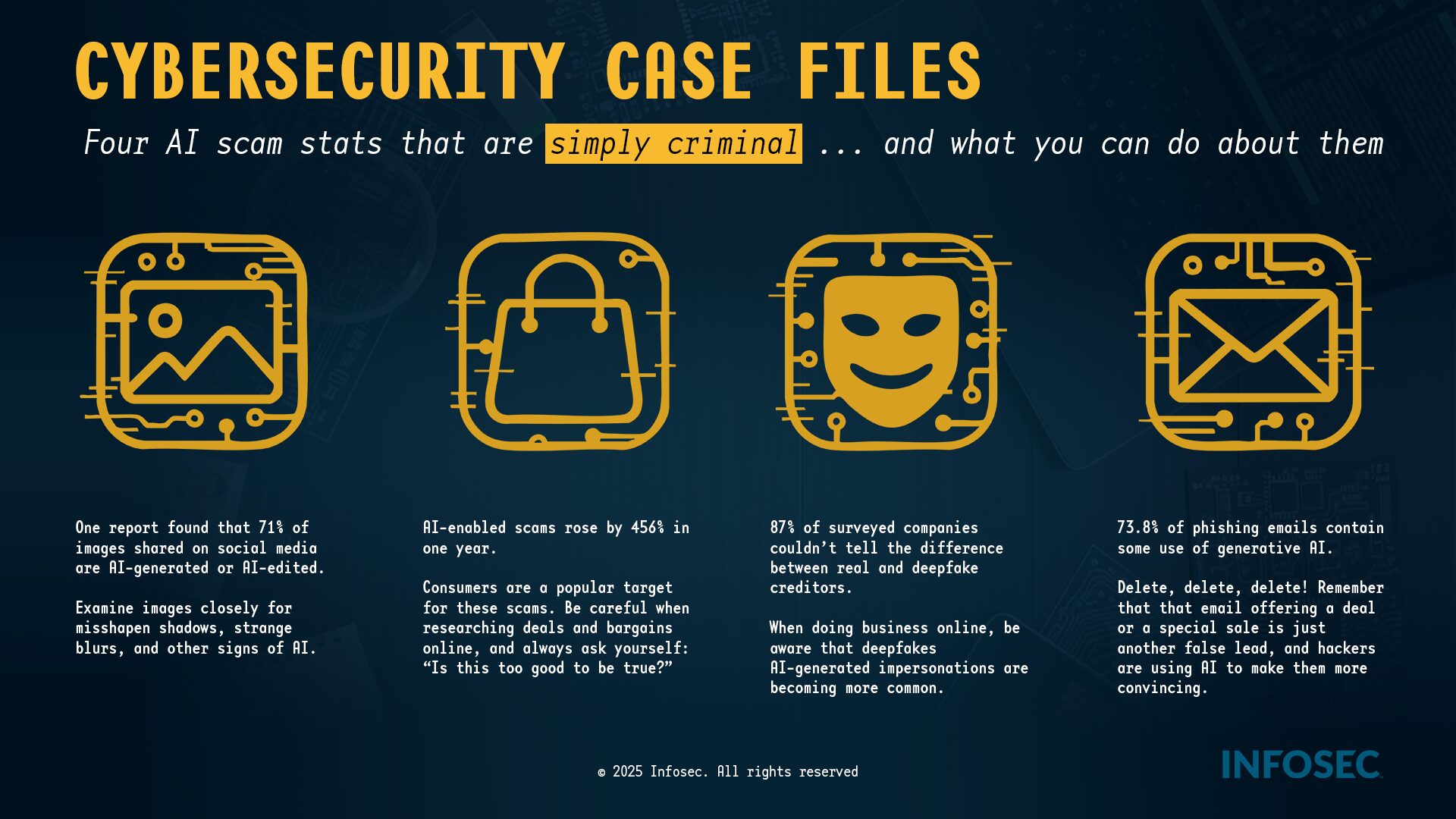
Deepfakes—videos, photos, or audio manipulated or created by AI—are designed to trick your eyes and ears. Your first line of defense is skepticism.
Red Flags to Look For
Look for inconsistencies in the face and hands — pause and zoom in. AI often struggles with:
- Unnatural blinking, or no blinking at all.
- Distorted or wavy backgrounds, or shadows that don't make sense.
- Teeth that look too perfect, blurry, or misshapen.
- Hands with strange angles, or too many or too few fingers.
Listen Closely
Check for audio issues that suggest manipulation:
- Lip-sync mismatch: the words don't perfectly match the mouth movements.
- Robotic or flat voice: the tone is monotone, lacks natural emotion, or has strange pauses or cadence.
- Poor audio quality or inconsistent background noise.
Question the Source
Verify before you act. If the content is shocking, highly emotional, or urges immediate action (like a money transfer):
- Check official channels: can you find the same information on the person's verified official website or social media?
- Look for context: does the clip lack details like date, location, or official news coverage?
- Reverse search: use tools like Google Image Search or TinEye to see if the image or video clip has been used elsewhere or flagged as fake.
More from JSU Cyber Security
Location and Contact
1400 John R. Lynch Street
Student Center
Jackson, MS 39217-0280
Phone: 601.979.1005, 601.979.0245, 601.979.6400
Email: cybersecurity@jsums.edu